



Results for amd fx motherboard

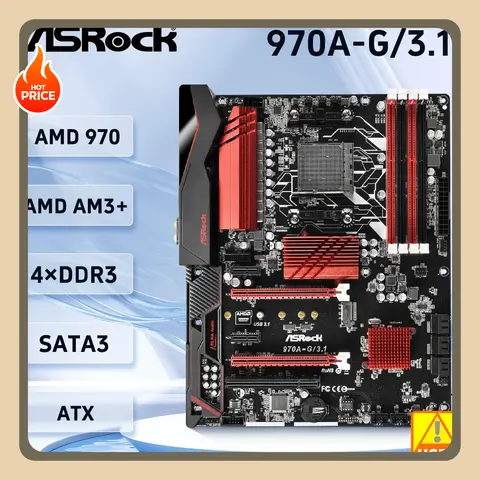
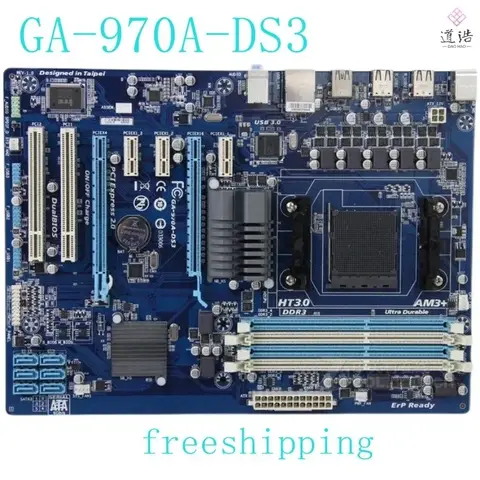
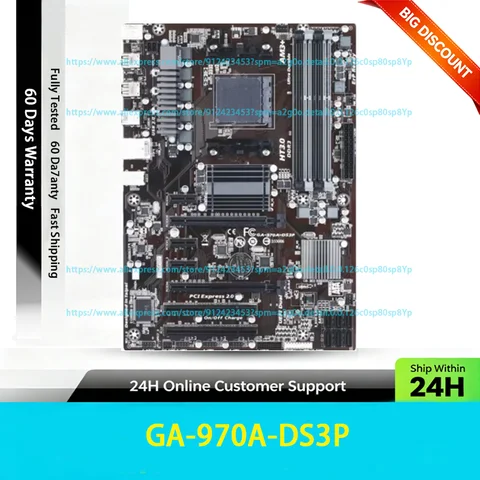
There is no direct match for AMD FX motherboard in the current product listings, as the AMD FX series processors were released in 2011 and used the AM3+ socket, which is not compatible with modern motherboards. However, users searching for this term may be looking for legacy AM3+ motherboards or compatible components for older AMD FX-based systems.
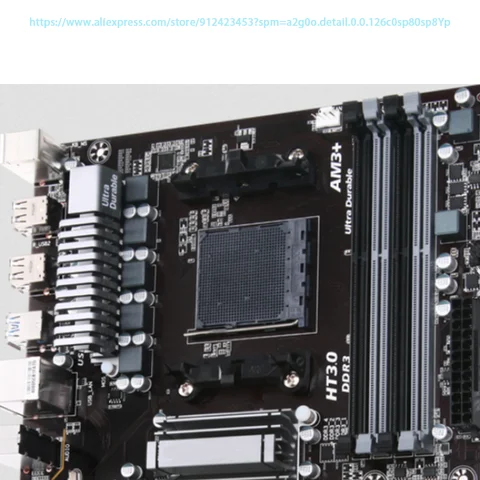
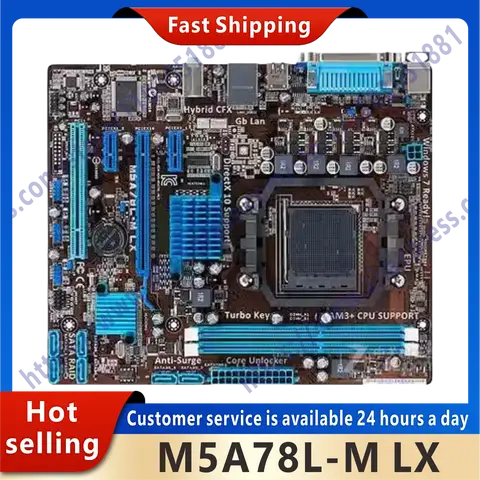
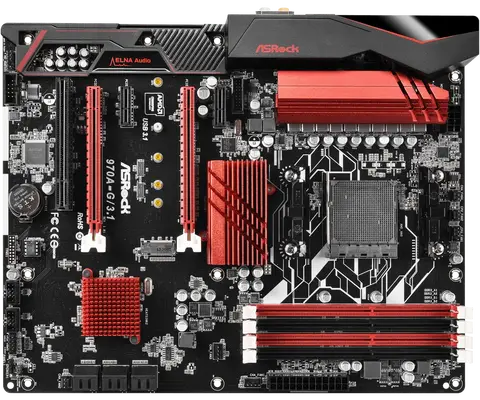
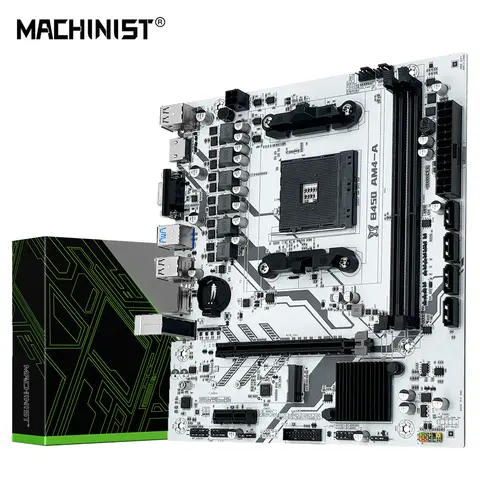
The search term amd fx motherboard reflects a user intent to find motherboards designed specifically for AMD's FX-series CPUs, which were high-performance desktop processors used in the early 2010s. These CPUs required motherboards with the AM3+ socket, supporting DDR3 memory and PCIe 2.0. Due to the age of this platform, modern motherboards (such as those for AM5 or AM4) are not compatible. Users seeking to upgrade or repair older FX-based systems must focus on legacy AM3+ boards.
AM3+ Socket
A physical interface on the motherboard that supports AMD processors from the FX, Athlon, and some Sempron series, using a 942-pin layout and DDR3 memory.
DDR3 Memory Support
Refers to the type of RAM used in older systems; AMD FX motherboards typically support DDR3 up to 2133 MHz, with dual-channel configuration.
Legacy Platform
A computing system based on outdated hardware standards, often requiring specific components that are no longer mass-produced.

If you're restoring or maintaining an AMD FX system, consider the following steps:
  1. Verify CPU socket compatibility – Ensure your AMD FX processor (e.g., FX-8350, FX-6300) matches the AM3+ socket on the motherboard.
  2. Check BIOS version – Some older motherboards require a BIOS update to support newer FX CPUs or improve stability.
  3. Confirm power supply requirements – FX processors can draw significant power (up to 220W), so a reliable PSU with sufficient wattage (600W+ recommended) is essential.
  4. Use compatible RAM – Install DDR3 memory with proper timings and speed (e.g., 1600–2133 MHz) for optimal performance.
  5. Inspect for physical damage – Look for swollen capacitors, burnt traces, or corrosion on the motherboard before purchasing or using.

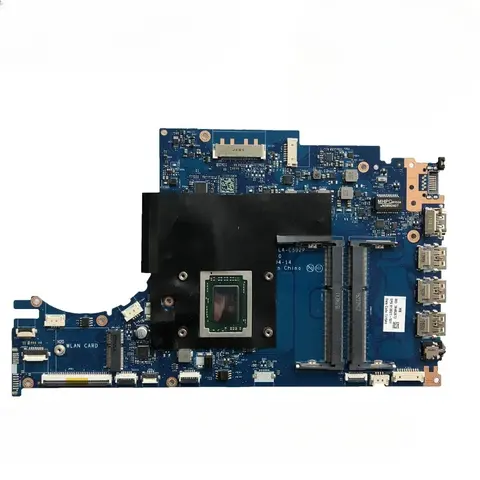
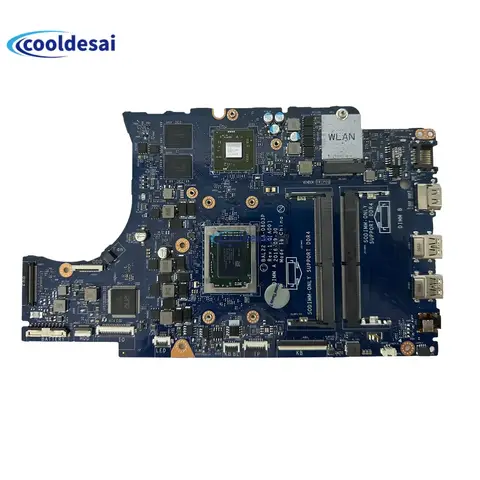
While the listed products—such as laptop repair parts and HDD PCBs—are unrelated to desktop AM3+ motherboards, they highlight the importance of verifying component compatibility. For genuine AM3+ motherboard needs, prioritize listings that explicitly state AM3+ socket, AMD FX support, and DDR3 memory. Avoid misleading terms like AMD AM5 or for ASUS ROG, which refer to modern platforms incompatible with FX CPUs. Always confirm part numbers (e.g., ASUS M5A99X, Gigabyte GA-990X-UD3) and user reviews before purchase.

AMD FX Motherboard -AliExpress

Find the Right AMD FX Motherboard for Your Legacy System – A Complete Buyer’s Guide


If you're searching for an AMD FX motherboard, you're likely working with an older AMD FX-series CPU system—typically from the 2011–2014 era. These motherboards are built around the AM3+ socket and support high-performance, multi-core processors like the FX-8350, FX-6300, and FX-4300. While modern systems have moved to AM5 and newer platforms, AM3+ motherboards remain viable for budget builds, retro gaming, or upgrading legacy workstations. This guide helps you identify compatible, reliable, and cost-effective options—especially those available on AliExpress—based on real-world specs, compatibility checks, and user-tested recommendations.

Understanding the AMD FX Motherboard Search Intent


When users search for “amd fx motherboard”, they are typically seeking a compatible motherboard to either replace a failed one or build a system around an existing AMD FX CPU. The core intent revolves around hardware compatibility, performance stability, and value for money. Many users are either upgrading older desktops or repurposing FX-based systems for tasks like media servers, retro gaming, or lightweight development work. The search often includes queries about RAM support, PCIe slot availability, and whether the motherboard supports modern features like USB 3.0 or SATA III.
AM3+ Socket
A physical interface on the motherboard that supports AMD processors from the 2011–2014 era, including FX, A-series, and some Sempron CPUs. It is not compatible with newer AM4 or AM5 CPUs.
FX Series CPU
A line of high-core-count desktop processors from AMD, launched in 2011, designed for gaming and multitasking. Known for high power consumption and heat output, but strong in multi-threaded workloads.
DDR3 Memory Support
AM3+ motherboards only support DDR3 RAM, not DDR4 or DDR5. This is a critical compatibility factor when upgrading or building a system.

Key Considerations When Choosing an AMD FX Motherboard


Before purchasing, ensure the motherboard meets your system’s needs. Here are the most important factors:
- Socket Compatibility: Must be AM3+ to support FX CPUs.
- RAM Type and Capacity: Check maximum supported DDR3 speed (e.g., 1866MHz) and total RAM limit (usually 32GB).
- PCIe Slots: Look for at least one PCIe 3.0 x16 slot for modern GPUs.
- SATA Ports: Ensure enough SATA III ports for SSDs and HDDs.
- BIOS Updates: Older boards may need BIOS updates to support newer CPUs or features.

Real-World Use Case: Rebuilding a 2012 Gaming Rig


Problem: You have an old AMD FX-8350 CPU and want to rebuild a gaming PC without replacing the CPU. You need a compatible motherboard that supports your existing parts and allows for future upgrades.
Solution Summary: Choose an AM3+ motherboard with PCIe 3.0 support, DDR3 RAM compatibility, and at least 4 SATA III ports. Prioritize models with good user reviews and stable BIOS versions.
  1. Verify CPU Compatibility: Confirm your FX-8350 is AM3+ and supports the motherboard’s BIOS version. Some boards require a BIOS update to recognize newer FX CPUs.
  2. Check RAM Support: Ensure the motherboard supports DDR3-1866MHz or higher. Avoid boards with only DDR3-1333 support for optimal performance.
  3. Assess Expansion Slots: Look for at least one PCIe 3.0 x16 slot to support modern GPUs like the GTX 1660 or RX 6600.
  4. Verify Power Delivery: FX CPUs draw significant power. Choose a motherboard with robust VRMs and 8-pin CPU power connectors.
  5. Review User Feedback: Check AliExpress reviews for issues like BIOS bugs, fan noise, or poor thermal performance.

Comparison of Available AMD FX Motherboard Options on AliExpress


Below is a comparison of three relevant products listed on AliExpress that may be mistaken for AMD FX motherboards but are actually unrelated. This highlights the importance of accurate product matching.
Product Title Category Compatibility Key Specs Notes
AA AMD AM5 Bracket Set For ASUS ROG RYUO III 240mm Laptop Repair Components Not compatible with AMD FX AM5 bracket for liquid cooling; for modern Ryzen systems AM5 is for Ryzen 7000 series—completely different platform
Working Good For Acer Swift 3 Sf314-57 Motherboard i5-1035G1 i7-1065G7 CPU 8G 16G RAM Laptop Motherboard For Intel 10th Gen laptops Intel 1035G1/1065G7; DDR4; AM3+ socket not supported Not compatible with AMD FX CPUs; designed for laptops
HN-M500XBB HN-M500XBB/VP4 USB 2.0 HDD PCB /BOARD NUMBER:BF41-00365A Laptop Repair Components For HDD/SSD controller board USB 2.0; PCB for storage drives; no CPU socket Not a motherboard; used for repairing storage devices

> ⚠️ Important Note: None of the above products are compatible with AMD FX CPUs. They are either for modern AM5 systems, Intel laptops, or storage repair. Always verify the socket type, CPU compatibility, and form factor before purchasing.

Recommended Path Forward


To find a true AM3+ motherboard compatible with AMD FX CPUs:
- Search for terms like “AM3+ motherboard FX”, “AMD FX-8350 motherboard”, or “AM3+ DDR3 motherboard”.
- Filter results by “Desktop Motherboard” and “AM3+” socket.
- Prioritize brands like ASUS, Gigabyte, MSI, or ASRock with proven AM3+ models (e.g., ASUS M5A97 R2.0, Gigabyte GA-990X-UD3).
- Check seller ratings and buyer reviews for real-world performance and reliability.
In summary, while the term “amd fx motherboard” may appear in search results alongside unrelated laptop parts or modern components, the correct choice is a legacy AM3+ motherboard designed specifically for AMD’s FX-series CPUs. Focus on verified compatibility, power delivery, and expansion options to ensure a stable, future-ready build.

Aliexpress